Running into a locked mobile because of Factory Reset Protection is an experience every Android user dreads. For Huawei users, that happens due to forgetting Google account credentials or buying a used phone. In situations like these, many people find themselves stuck at the verification screen. When unsure of what to do next due to the lack of account details, opting for a reliable Android phone unlocker becomes the only choice.
This guide walks you through everything you need to know about safely bypassing the FRP lock on Huawei devices. When simply looking for the most reliable method, you’ll find all the answers here. Stick to the end to learn about the best choice to get rid of the Google lock on your Huawei mobile.
Part 1. Locked Out of Your Huawei After Reset? You’re Not Alone
It’s not uncommon for users to feel completely lost after erasing their mobile phone. What starts as a simple reset can quickly become a stressful experience when access to the Huawei device is blocked. That’s because once the reset is complete, you need to perform an FRP bypass just like any other Android smartphone. This situation occurs after a hidden safety feature called Factory Reset Protection gets activated.
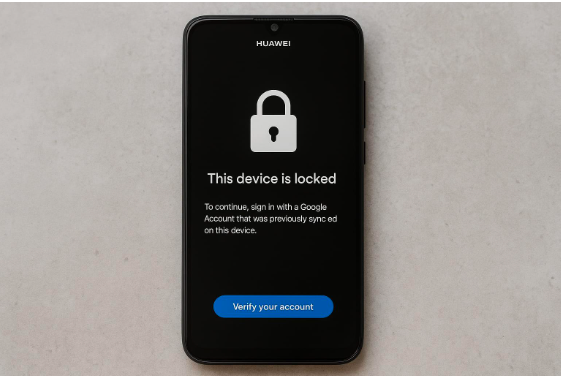
This security measure is there to prevent unwanted access to your mobile in case it’s stolen. It requires you to log back in using the Google ID that was previously synced on the Huawei phone. While the intention is to protect you, the situation becomes tricky if the credentials are not available. Another scenario is where a Huawei FRP tool becomes a must when you buy a Google-locked second-hand device.
Unfortunately, there’s no skip button or clear guidance on what to do next. All you get is a login screen that won’t let you in unless the exact account details are provided. That is the reason why so many users feel stuck or confused at this stage. The good news? You’re not alone in this, and effective ways to deal with the dilemma without damaging the mobile do exist.
Part 2. Huawei FRP Lock Explained and Its Limitations for Users
When a user encounters the Google verification screen for the first time, a lot of questions arise in the mind. Among them, what exactly this lock is and why it is so hard to get past are the most common ones. Getting to know the role of this security layer and how it affects normal usage can help clear the confusion around it.
FRP is a feature that gets activated when a Google Account is logged in on an Android smartphone. It is also true for all the Huawei devices running on the Android OS. When the phone is reset using recovery mode or any non-standard method, FRP kicks in to lock the mobile. It will not go away until the linked Google account credentials are provided or an Android phone unlocker is used.
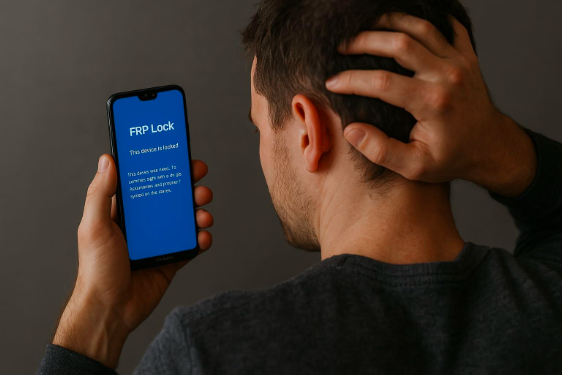
This Google lock is meant to protect user data and deter thieves from resetting and reusing stolen phones. However, the feature has its downsides. In many legitimate cases, users find themselves locked out of their own property. Huawei users, in particular, face more limitations since the brand doesn’t offer an official FRP bypass method. That’s why most users need extra help to safely regain access without damaging their mobile.
Part 3. How Dr.Fone Android Phone Unlocker Simplifies the Huawei FRP Process?
After understanding how restrictive the Google lock can be, many start searching for a practical and safe solution. They want something that is not complex to use and does not end up making the situation even worse. That’s where a specialized tool like Dr.Fone – Screen Unlock (Android) comes in as the working solution to such problems. It is specifically designed to simplify this complex process and make it accessible.
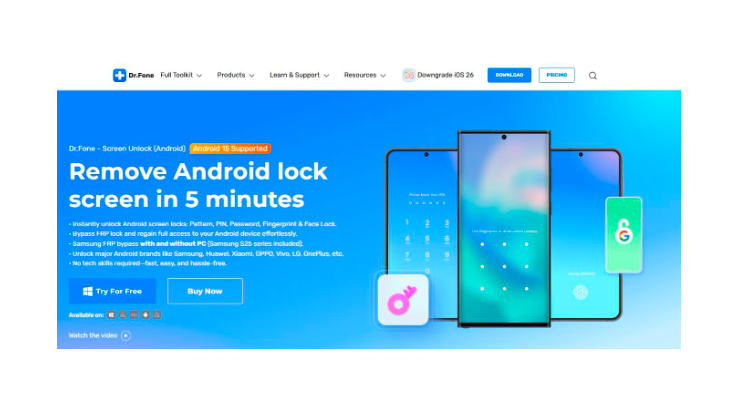
With its straightforward approach, this Huawei FRP tool lets you bypass the FRP lock in just a few guided steps. You won’t need to flash custom firmware or root the device for this purpose. Instead, the tool walks you through a clean and instructed process that’s both quick and reliable. Even if you’ve never used an unlocking tool before, the dashboard makes every option clear.
Along with delivering fast results for FRP bypass, it also reduces the chances of making mistakes that could harm your phone. This convenience saves you the stress of digging through forums or watching long video tutorials. Plus, you can utilize Dr.Fone to get rid of forgotten Android screen locks of all types within minutes. By focusing on ease and speed, it aims to quickly restore your access to your mobile.
Part 4. No Tech Skills Required – Just Plug In and Unlock
For many people, the biggest fear around removing the Google lock from the phone is that it will require advanced tech skills. After all, most online solutions mention complicated steps like rooting the device or going into hidden menus. These lengthy and complex tutorials make FRP bypass seem like something intimidating or downright risky. Yet there’s good news: none of that is necessary when using the right solution.
A widely trusted Android phone unlocker like Dr.Fone removes all the complexity from the Huawei FRP bypass process. As soon as you attach the locked mobile to a computer running this software, it takes care of the heavy lifting. There is no need to learn Android system jargon, search for compatible firmware, or worry about damaging your phone with Dr.Fone.
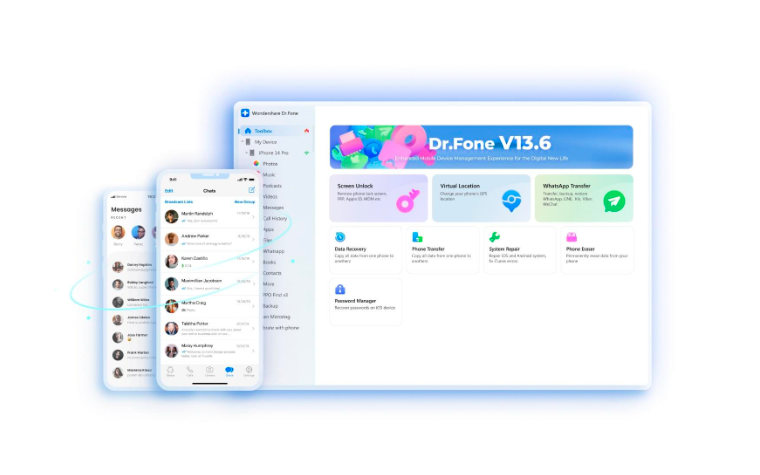
Everything is handled through a guided approach, where each step is explained clearly and simply. Even first-time users can complete the process without asking for outside help. This plug-and-play approach is what makes Dr.Fone useful for a common user. It doesn’t rely on so-called FRP codes or require you to download unknown FRP APKs. Instead, this Huawei FRP tool delivers results through a safe and structured process.
Conclusion
In summary, facing FRP can feel like hitting a dead end after getting locked out of a Huawei mobile. With the right understanding of how this function works and its restrictiveness, you can avoid common pitfalls and choose a solution that is truly effective. Dr.Fone stands out as a dependable tool that takes the stress out of FRP bypass.
There’s no need for technical know-how and risky rooting or flashing to use this Huawei FRP tool. All that is required is a simple and guided process that helps you unlock your device in minutes. So, rather than struggling with complex workarounds, let Dr.Fone handle the hard part.