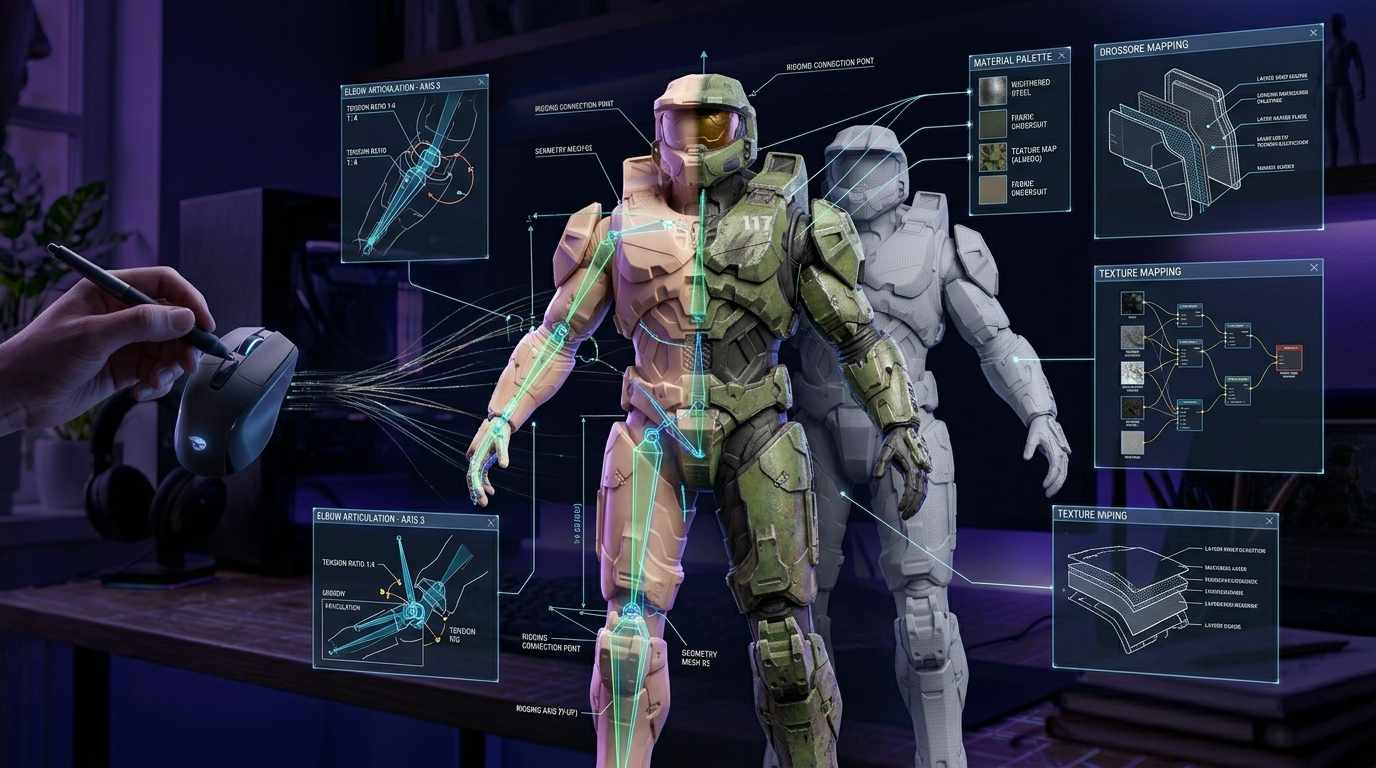
If you’ve ever created an animation inside Source Filmmaker, you already know the real magic doesn’t end with editing—it ends with compiling. That’s where your project transforms from a rough timeline into a polished, shareable video.
Let’s break down SFM compile in a way that’s simple, practical, and actually useful—whether you’re just starting or trying to improve your final renders.
What is SFM Compile?
In simple terms, SFM compile is the process of exporting your animation into a video file or image sequence.
Think of it like this:
- Editing in SFM = cooking the meal
- Compiling = plating and serving it 🍽️
Without compiling, your project stays inside the software. With it, your animation becomes something you can upload to YouTube, share on social media, or add to your portfolio.
Why SFM Compile Matters
A good compile can make or break your animation. Even if your scene looks amazing inside SFM, poor compile settings can ruin it.
Here’s why it’s important:
- Controls final video quality
- Handles lighting and effects properly
- Determines file size and format
- Prepares content for uploading and sharing
Types of SFM Compile Outputs
When compiling in SFM, you typically choose between two main output types:
1. Image Sequence
This exports your animation frame-by-frame as images (PNG, TGA, etc.).
Best for:
- High-quality renders
- Professional editing later
- Avoiding crashes during export
Pros:
- No quality loss
- Easy to fix broken frames
Cons:
- Takes more storage
- Requires video editing software later
2. Video File (AVI)
This directly exports your animation as a video file.
Best for:
- Quick previews
- Simple projects
Pros:
- Fast and easy
- No extra editing needed
Cons:
- Risk of crashes
- Lower flexibility
Step-by-Step: How to Compile in SFM
Here’s a beginner-friendly workflow:
Step 1: Open Export Menu
- Go to File → Export → Movie
Step 2: Choose Export Type
- Select Image Sequence (recommended) or AVI Video
Step 3: Set Resolution
Common options:
- 1280×720 (HD)
- 1920×1080 (Full HD)
- 3840×2160 (4K)
Step 4: Adjust Frame Rate
- Standard: 24 FPS (cinematic)
- Smooth: 30 or 60 FPS
Step 5: Choose Render Settings
- Anti-aliasing: High
- Motion blur: Enabled (optional)
- Ambient occlusion: Improves realism
Step 6: Start Compile
Click Export Movie and let SFM render your animation.
Best Settings for High-Quality SFM Compile
If you want professional-looking results, use these:
- Format: Image Sequence (PNG)
- Resolution: 1920×1080 or higher
- FPS: 30 or 60
- Samples: High (for smooth lighting)
- Depth of Field: Enabled for cinematic shots
Common SFM Compile Problems (and Fixes)
Let’s be honest—SFM can be frustrating sometimes .
1. Crashes During Compile
Fix:
- Use image sequence instead of AVI
- Lower resolution temporarily
2. Black Screen Output
Fix:
- Check camera selection
- Ensure lights are active
3. Missing Textures
Fix:
- Re-load models
- Verify file paths
4. Low Quality Render
Fix:
- Increase anti-aliasing
- Use higher resolution
- Enable ambient occlusion
Tips to Speed Up SFM Compile
Rendering can take time, but these tips help:
- Close background apps
- Render in smaller chunks
- Use lower preview settings first
- Upgrade GPU if possible
Editing After SFM Compile
If you exported as an image sequence, you’ll need video editing software like:
- Adobe Premiere Pro
- DaVinci Resolve
These tools let you:
- Add sound effects
- Color grade your video
- Combine frames into a final clip
Pro Tips for Better SFM Compiles
Here are some tricks used by experienced creators:
- Always render in image sequences for serious projects
- Save your project before compiling (very important!)
- Use lighting carefully—compile shows everything
- Preview small sections before full export
Final Thoughts
SFM compile isn’t just a technical step—it’s the final stage where your creativity becomes reality.
Whether you’re making short clips, cinematic animations, or content for TikTok, mastering the compile process will instantly level up your work.
Read more: SFM compile