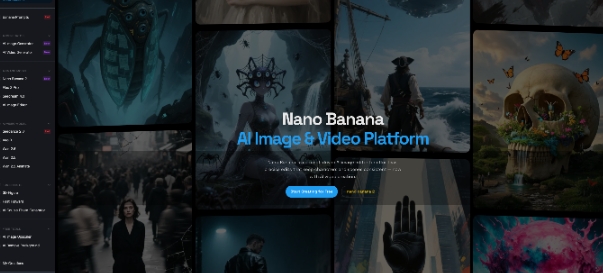
If you’re creating content daily, you know the “tab-switching” fatigue. You write a prompt in one tool, generate an image in another, download it, and then upload it to a completely different site just to make it move.
This “tool-hopping” is a silent productivity killer. It doesn’t just waste time—it kills your momentum. After running hundreds of tests on various AI workflows, I’ve found that every time you switch platforms, you risk losing that specific visual “spark” that made the original image work.
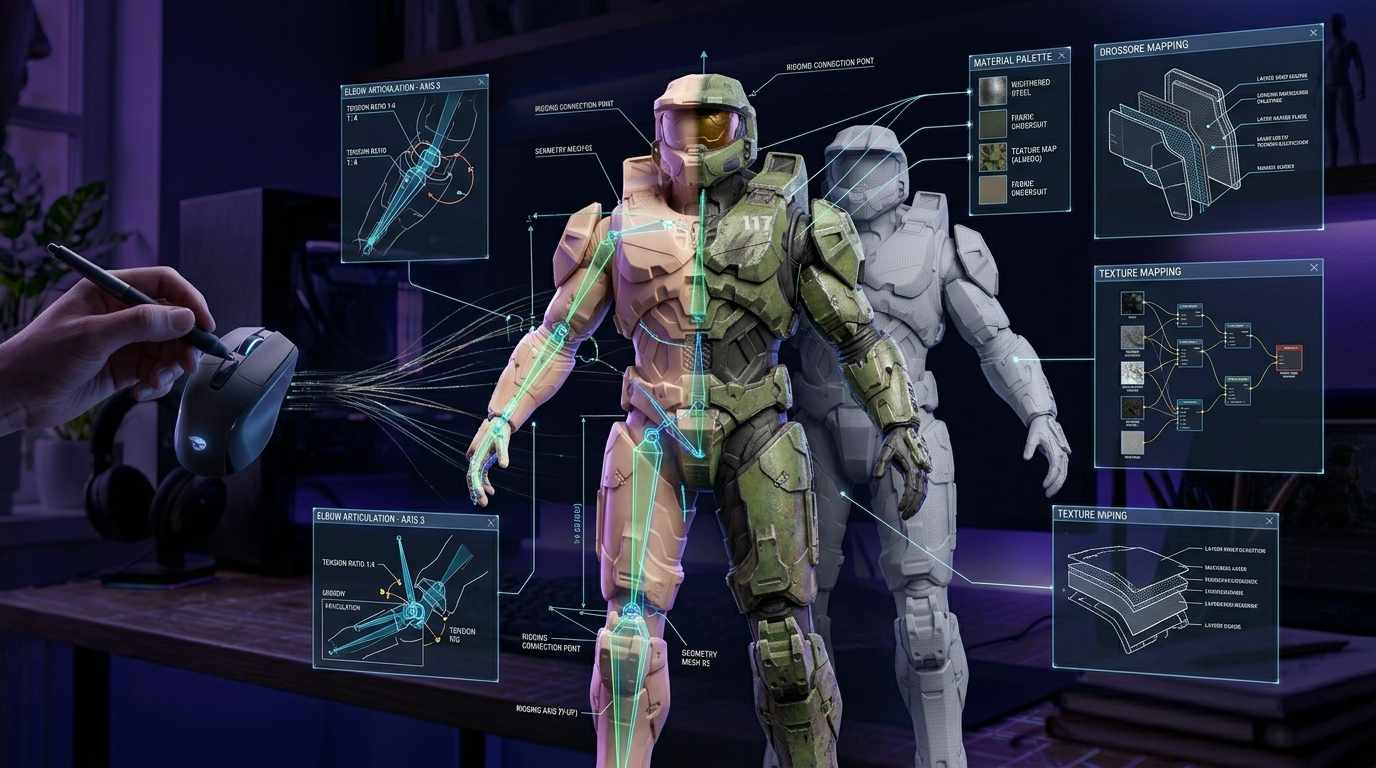
I’ve recently fixed my workflow to Nano-Banana, and the reason is simple: it keeps your images, edits, and videos in a single, fluid loop.
The Essentials (Skip the Fluff)
Most platforms pile up buttons you’ll never use. What makes this setup different is how it handles the transition from a static idea to a finished asset:
1. Frictionless Model Switching
You can toggle between the latest models, like Nano Banana 2 or the high-fidelity Nano Banana Pro, without leaving the canvas. While they share a similar architecture, being able to quickly compare which model handles your specific lighting or texture better—without opening a new window—is a massive quality-of-life upgrade.
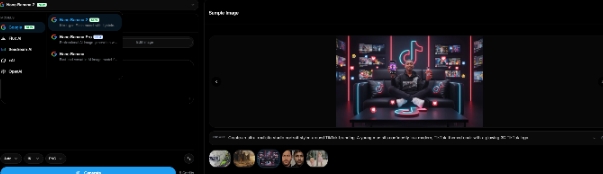
2. A Direct Bridge to Motion
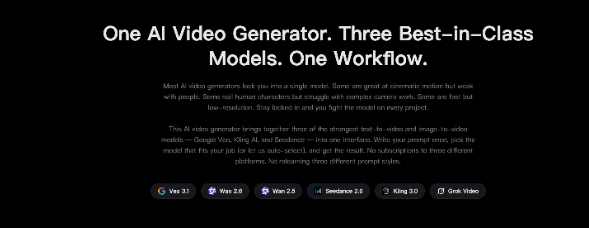
This is usually where the creative process breaks. In Nano Banana, once you have an image you’re happy with, you can send it straight to Seedance 2.0. Unlike pure text-to-video tools that often “hallucinate” and change your character’s face, Seedance 2.0 respects your original composition and lighting, giving you a cinematic clip that actually looks like your source file.
3. “Good Enough to Post” Editing
Found a perfect shot but hate a messy background detail? You don’t need to bail and open Photoshop. The platform has built-in AI tools to remove backgrounds or perform local “in-painting” right there. It’s built so you can download a final file that is actually ready to use.
The 3-Minute Workflow (How I Actually Use It)
Instead of getting lost in settings, I usually follow this direct path:
- Nail the Image: I use Nano Banana 2 to get the core visual right—say, a minimalist workspace flooded with morning light.
- Clean it Up: If there’s a distracting object in the corner, I use the brush tool to wipe it out or swap the background instantly.
- Make it Move: I hit the Seedance 2.0 option to add subtle motion—like sunlight shifting across the desk—turning a static post into something that actually grabs attention on a feed.
Real Questions from the Community
Q: Does Seedance 2.0 stay consistent with the original image?
Yes, that’s its strongest point. While many tools try to reinvent the image, Seedance 2.0 focuses on natural, physics-based movement while keeping your original subject intact.
Q: Do I need a technical background?
If you can send a text message, you can use this. We’ve moved the complex parameters to the background so you can just focus on the visuals.
Q: How often are the models updated?
Whether it’s a new iteration of the Nano Banana family or an update to Seedance 2.0, the backend stays updated automatically. You’re always using the latest tech without having to worry about manual installs.
Ready to stop switching tabs and start creating?