Why App Locks Matter Today
Every app on your device holds a piece of your life.
- Banking apps: Your money.
- Messaging apps: Your private conversations.
- Social apps: Your identity and reputation.
- Work apps: Your career and confidential projects.
Now imagine losing your phone at a coffee shop or leaving your laptop unlocked at work. Even if your device has a screen lock, once someone bypasses it—or if you lend your phone to a friend—all those apps are wide open.
That’s why learning how to keep lock for apps isn’t just a productivity hack—it’s essential digital hygiene.
What Does “Keeping Lock for Apps” Really Mean?
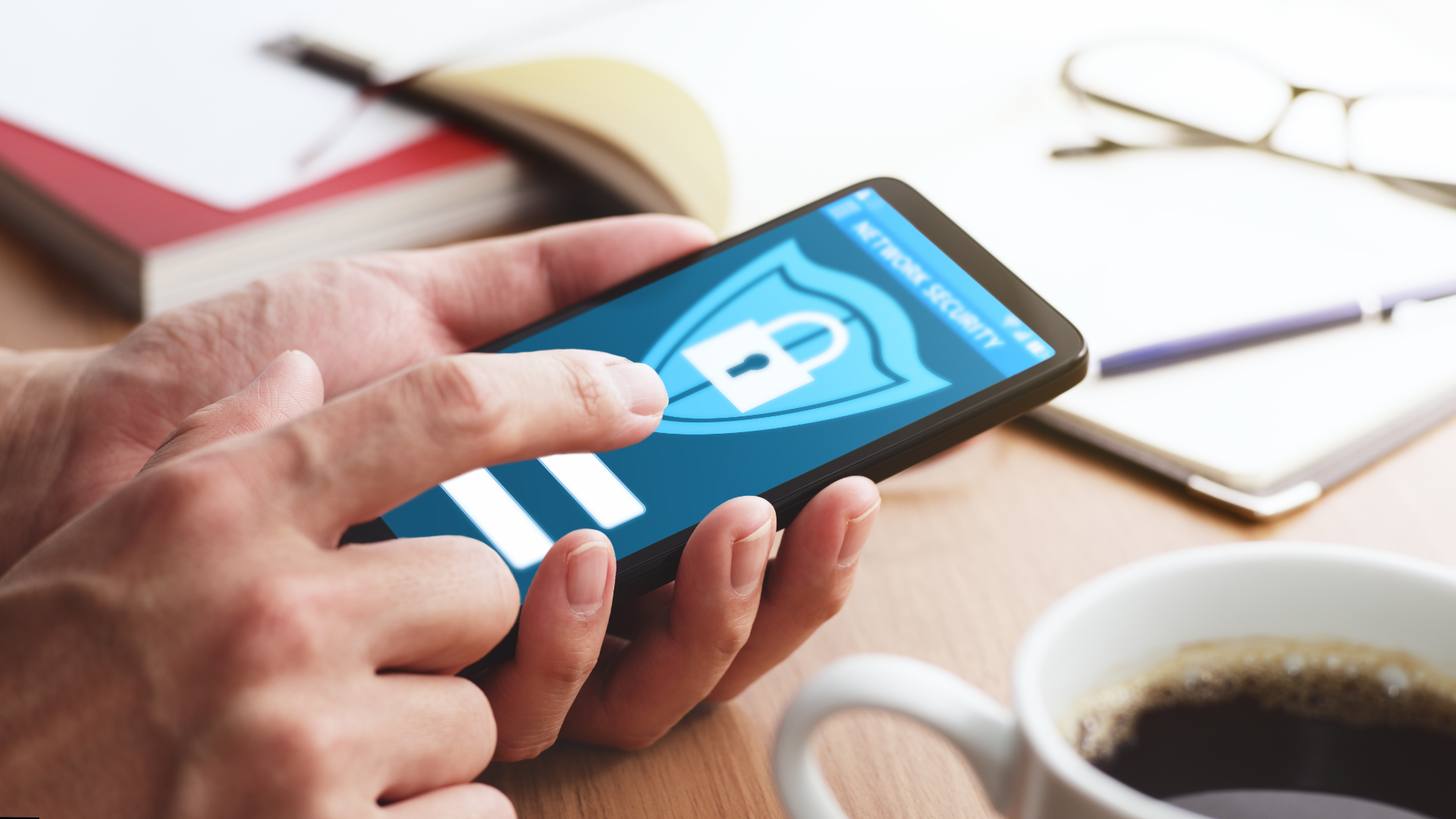
App lock is like putting a second layer of protection over specific apps.
- Device lock: Protects the whole phone or laptop.
- App lock: Protects individual apps inside it.
Think of it like a hotel: the building has security guards, but your room still needs a keycard.
Native App Locking Options (Built-In Tools)
1. App Lock on Android
Many Android devices now come with built-in app lock features.
Steps (may vary by brand):
- Go to Settings > Privacy > App Lock.
- Select the apps you want to protect (WhatsApp, Instagram, Gmail, etc.).
- Set a PIN, fingerprint, or face unlock.
Brands with built-in app lock:
- Xiaomi (MIUI)
- OnePlus (OxygenOS)
- Samsung (Secure Folder)
- Realme / Oppo (ColorOS)
2. App Lock on iPhone
Apple doesn’t have a universal app lock yet, but you can lock apps in creative ways.
Option A: Use Screen Time Restrictions (Apple doesn’t provide direct “App Lock” but Screen Time works as a substitute.)
- Go to Settings > Screen Time > App Limits.
- Add a 1-minute limit to apps you want to lock.
- When time’s up, a passcode is required to continue.
Option B: Lock Notes, WhatsApp, or Photos
- Notes can be locked with Face ID.
- Messaging apps like WhatsApp, Messenger, and Signal already integrate Face ID / Touch ID locks.
- Hidden Photo Album in iOS 16+ requires authentication.
3. Windows 11 / PC Apps
On Windows, app locking isn’t built-in. But you can:
- Use Folder Lock to protect installed programs and executables.
- Use third-party parental control apps like Cold Turkey.
Third-Party App Locking Tools
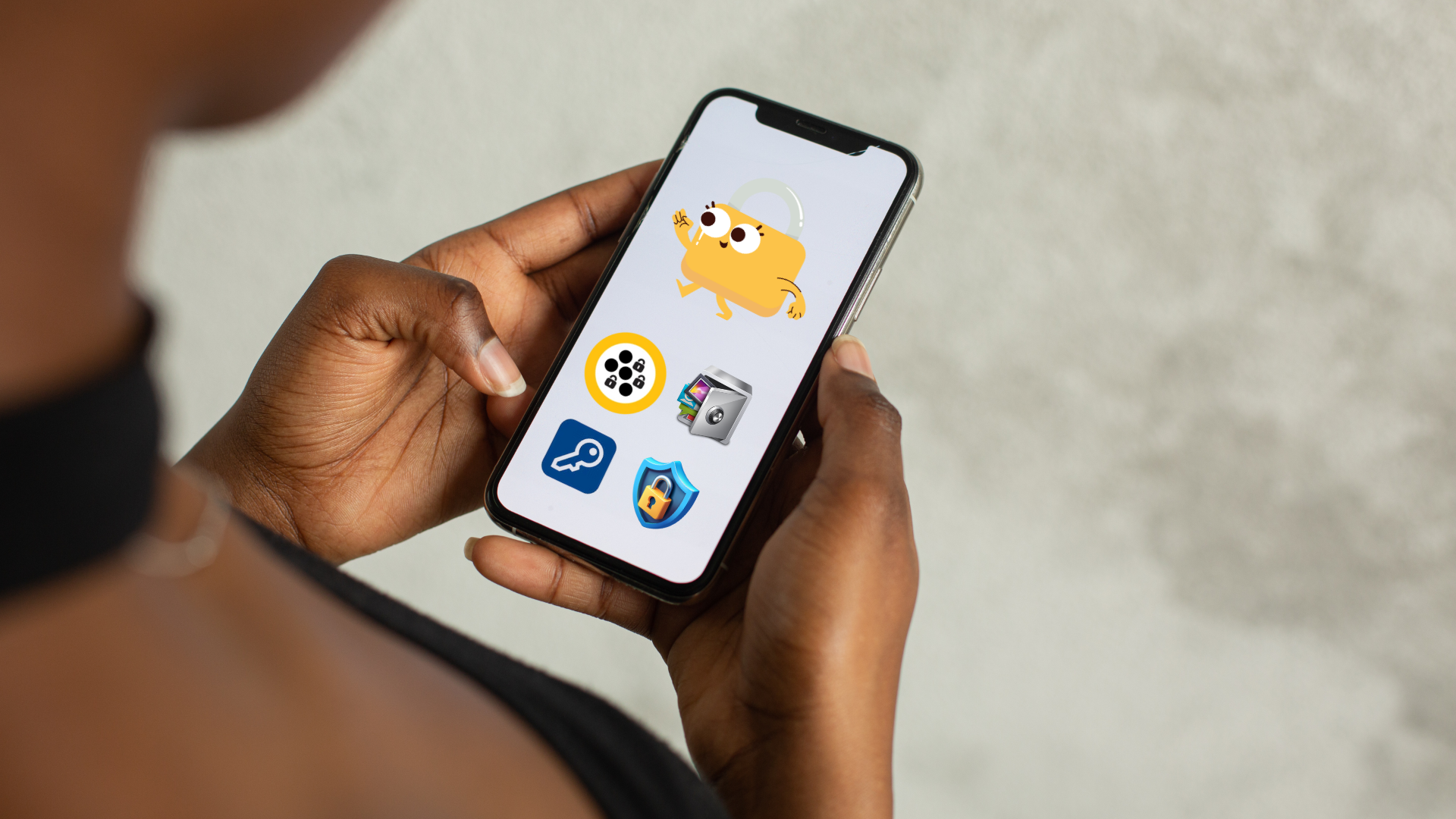
When built-in tools aren’t enough, these apps step in.
1. Folder Lock (Windows + Android)
- Password-protects apps, files, and even drives.
- Stealth mode hides sensitive apps entirely.
- Available on PC and mobile, making it a cross-platform solution.
2. AppLock (Android)
- Free, lightweight, very popular.
- Locks apps with PIN, fingerprint, or pattern.
- Can hide photos/videos in a vault.
3. Norton App Lock (Android)
- From the trusted antivirus brand.
- Simple interface.Adds app protection on devices that don’t offer it natively.
4. Smart AppLock (Android)
- Adds fake “force close” screens to confuse intruders.
- Great for privacy-conscious users.
- AppLock (by DoMobile):
Popular on Android. Supports locking Play Store, Gmail, Gallery, and custom apps.
How to Lock Apps Without Software?
If you don’t want extra apps, you can still secure apps in creative ways.
On iPhone
- Use Screen Time to restrict apps.
- Lock Notes or Photos individually.
On Android
- Use Guest Mode or Private Mode (Samsung Secure Folder).
- Disable app notifications from showing sensitive previews.
Keeping Lock for Social Apps
Social apps are the biggest targets for snooping. Here’s how to lock them individually:
- WhatsApp: Built-in fingerprint lock.
- Instagram: Needs third-party app lock (unless Screen Time trick on iPhone).
- Messenger: Supports Face ID lock on iOS.
- Snapchat: Relies on device lock, but can be protected by app lockers.
Cloud-linked and multi-device issues
devices, how to lock apps on roku tv, how to lock apps on ipad, how to lock nintendo switch**
- Locking isn’t just a smartphone issue:
- Roku TV & Smart TVs: Parental control PINs act as app locks for Netflix, YouTube, etc.
- Nintendo Switch: Lets parents set playtime and block access to specific features via PIN.
- iPad: Inherits Screen Time locks from iOS.
Keeping Lock for Work and Productivity Apps
- Email (Gmail, Outlook, Yahoo): Use two-factor authentication + app locks.
- Google Drive / Dropbox: Encrypt sensitive files before uploading.
- Microsoft Office (Word, Excel, PowerPoint): Add built-in passwords or use Folder Lock for extra safety.
Keeping Lock for Finance Apps
Banking apps are non-negotiable. They usually require a PIN or biometric login, but app lock adds another barrier.
- Always enable fingerprint/Face ID on apps like PayPal, Venmo, or Chase.
- Use Folder Lock to encrypt related PDF bank statements.
- Avoid storing plain-text passwords in Notes or screenshots.
The Psychology of App Locks
Here’s a surprising truth: most data leaks aren’t from hackers. They’re from people you know—friends, coworkers, even family members who peek into your apps.
That’s why app lock isn’t just about cybercrime. It’s about privacy within your circle.
Common Mistakes to Avoid
- Using the same PIN for device and app lock.
- Forgetting to enable biometric authentication.
- Installing shady third-party app lockers (malware risk).
- Locking only messaging apps but ignoring cloud storage apps.
- Not updating app lockers—older versions may have security flaws.
Best Practices for App Lock Security
- Use different passwords for device vs apps.
- Combine biometric + PIN for layered security.
- Regularly check app lock logs (if available).
- Encrypt sensitive files outside apps using Folder Lock.
- Backup locked apps/data in case of corruption.
Folder Lock: Why It’s More Than Just an App Lock
Unlike most app lockers, Folder Lock isn’t just about apps—it’s about your entire digital vault.
- Locks apps.
- Encrypts files and folders.
- Secures USB drives and external storage.
- Shreds sensitive files permanently.
- Works in stealth mode.
For Windows + Android users, it’s a complete privacy toolkit.
Real-Life Scenarios Where App Lock Saved the Day
- College Student: Roommate borrowed their phone; app lock stopped them from opening WhatsApp.
- Business Traveler: Lost laptop at an airport; Folder Lock kept client data encrypted.
- Parent: Child borrowed phone to play games but couldn’t access online banking apps.
- Freelancer: Shared desktop with siblings; app lock kept client files private.
Future of App Lock Technology
- Biometric-first security: Face/iris scan for every app.
- AI-powered monitoring: Detects unusual access patterns.
- Encrypted containers: Apps run in isolated, secure environments.
- Cross-platform locking: One password protects apps on phone, PC, and cloud.
Final Thoughts
Your apps aren’t just apps—they’re doorways into your life. A weak lock is like leaving those doors open.
Whether you use built-in tools on Android/iPhone or go for a powerful solution like Folder Lock, the point is simple: don’t trust your device lock alone.
Privacy is like insurance—you only appreciate it when things go wrong. App lock ensures things never do.
FAQs
Can I lock apps without installing extra software?
Yes—on iPhone with Screen Time, on Android with built-in App Lock features (brand-specific).
Does app lock slow down apps?
Not with modern lockers. Tools like Folder Lock [https://folder-lock.en.softonic.com/] or AppLock run efficiently.
Can I hide apps completely instead of locking them?
Yes—Samsung Secure Folder and Folder Lock both allow stealth mode.
What if I forget my app lock password?
Most lockers provide recovery options, but without them, you may lose access. Always back up.
Is app lock enough for banking apps?
Yes, but combine it with 2FA and encryption for maximum protection.
Can I lock individual apps on iPhone without Screen Time?
No. You’ll need Screen Time limits or built-in Face ID locks within apps like WhatsApp or Messenger.
Which Android phones have built-in app lock?
Xiaomi, Samsung, Huawei, OnePlus, and Oppo models have built-in App Lock features.
Can I lock the Google Play Store on Android?
Yes. Many phones let you set parental controls or use AppLock apps to require a PIN before downloads.
How do I lock hidden photos on iPhone?
Move them to the Hidden Album, then lock that with Face ID/Touch ID in iOS 16+.
Do third-party app locks slow down phones?
Lightweight apps like Norton App Lock don’t. Heavier ones with ads may affect performance slightly.